pixtube
A downloadable tool for Windows and Linux
For the fun of pixel art.
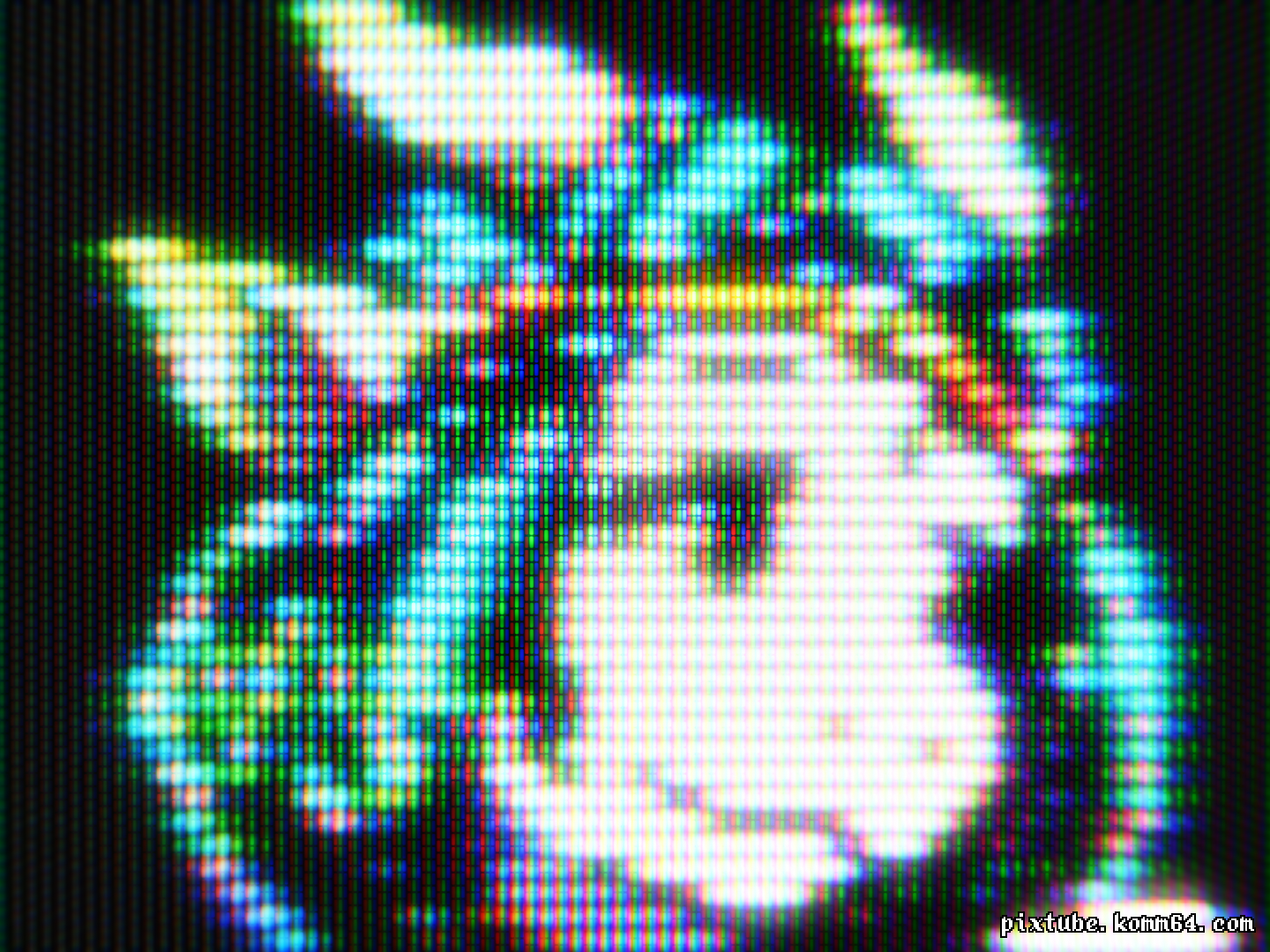
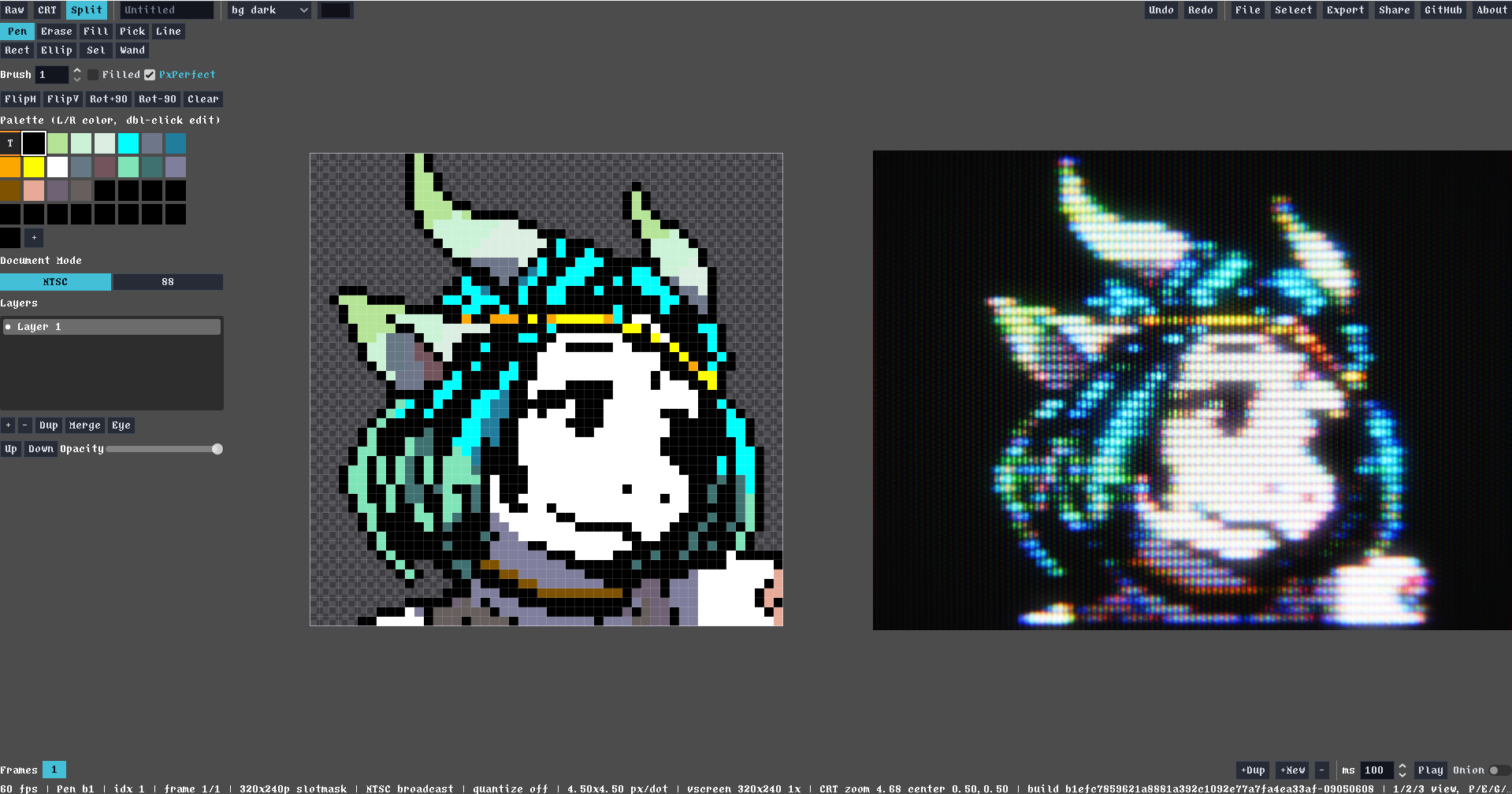
pixtube is a pixel-art editor built for drawing, experimenting, and watching your work come alive through CRT simulation and retro signal effects.
Edit clean indexed pixels, then switch instantly between Raw, CRT, and Split views to explore how the same artwork feels through 240p, 480i, NES, and PC-88-inspired display modes.
One purchase. Two ways to play.
- pixtube: a focused pixel-art editor with live CRT simulation
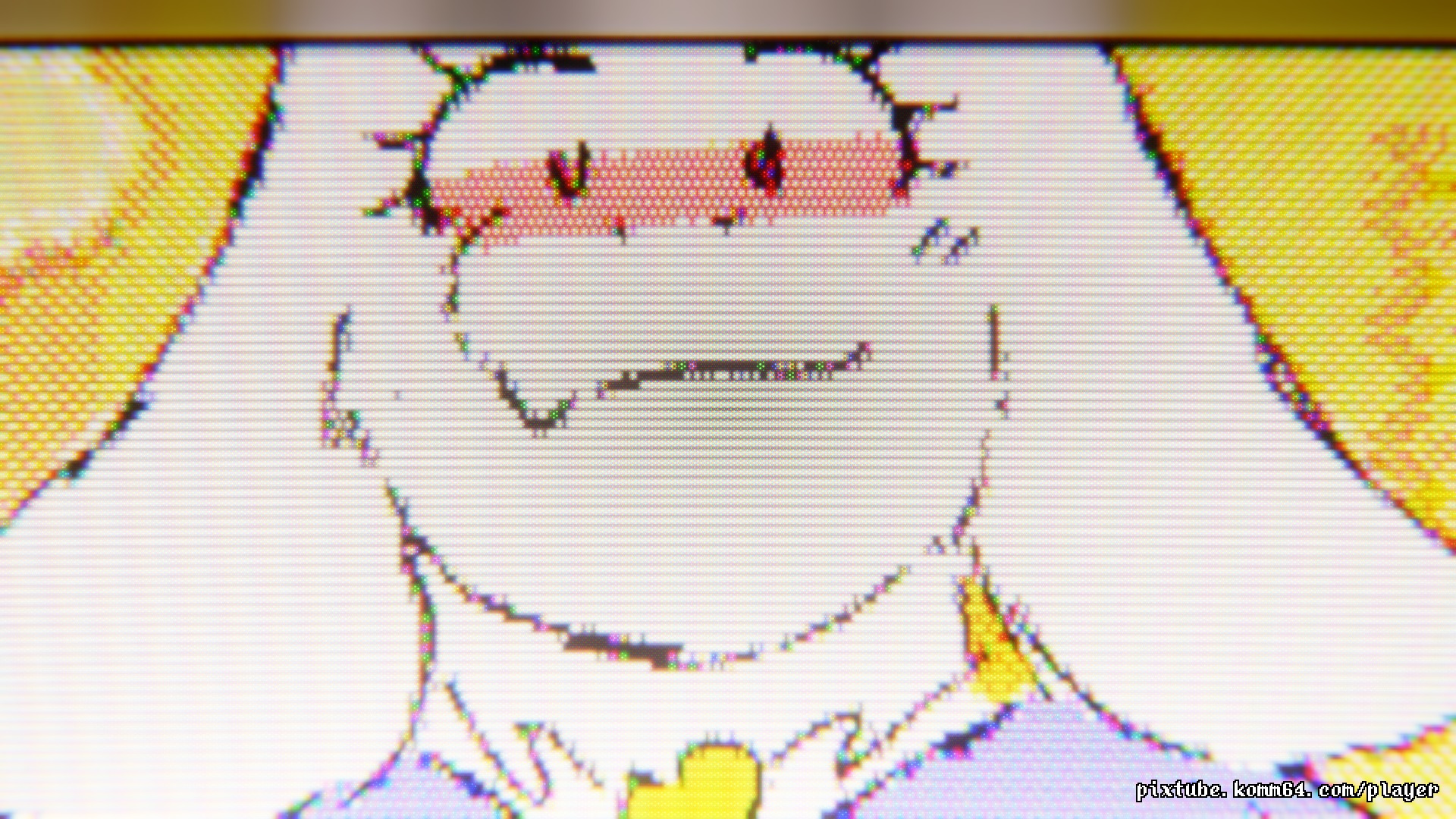
- pixtube-player: drop in your own images, animated GIFs, and videos and enjoy them through CRT and retro signal effects
pixtube features
- Raw, CRT, and Split views
- 240p, 480i, NES, and PC-88-inspired display modes
- Canvases up to 640×480 in 480i
- Indexed palettes and palette editing
- Layers
- Animation frames with per-frame timing
- Pen, eraser, fill, eyedropper, undo, and redo
- Save and load .dpix files
- Export dot-by-dot PNGs with transparency, CRT PNGs, and H.264 MP4 animations
- Export animations as PNG sequences or sprite sheets with Aseprite-compatible JSON
- English and Japanese UI
pixtube-player features
- Drag and drop local images, animated GIFs, and videos
- 240p, 480i, NES, and PC-88-inspired playback modes
- RGB, composite, and RF-style signal simulation
- Fullscreen playback, fit/fill/stretch, zoom, and pan
- Keep a local media history on your device
- Export still images and video clips with CRT simulation
- English and Japanese UI
Platform
pixtube and pixtube-player: Windows 10/11 (64-bit) and Linux x86_64 (Ubuntu 24.04 or later). Linux requires a Vulkan-capable graphics driver and system FFmpeg; see the included README for dependencies. Linux verification used WSL2; native Linux hardware has not yet been verified.
Your images, videos, and project data stay on your device unless you explicitly choose to share or upload them.
The Windows builds are unsigned, so Windows may show a SmartScreen warning on first launch.
Purchase
In order to download this tool you must purchase it at or above the minimum price of $7.99 USD. You will get access to the following files:

Comments
Log in with itch.io to leave a comment.
YES THANK YOU FOR THE LINUX PORT
Great tool! May I ask - would it be possible to have a option for higher resolutions beyond 480?
I love this tool!! I've been following it since your first posts talking about it on Twitter. I'm happy to support your work! I'm looking forward to using this with other tools like PixZels and seeing what kind of fun art I can make.
Thank you so much! It means a lot that you’ve been following since the early Twitter posts 😊 PixZels and pixtube sound like a fun combo!
Thoughts about putting this as a tool on steam?
Yeah, I’d definitely consider a Steam release if there’s enough interest!
And if Pixtube does eventually come to Steam, I’m planning to provide Steam keys for free to existing itch.io customers, so no worries about buying it on itch.io now 🙂
没看懂什么意思?是将普通图片或视频转换成像素艺术风格吗?
谢谢你的提问 😊
Pixtube不是把普通图片或视频转换成像素艺术风格的工具哦。 它包含一个像素画编辑器,可以一边模拟CRT的显示效果,一边绘画像素画。另外,也可以用CRT模拟效果来显示图片和视频。
希望这样解释会比较清楚 😄
Really enjoying the app! I’d love to see more export options in the future. At the moment, the exported CRT matches the original size only when the “Both” option is selected. It would also be great to have an option to make the background transparent, if possible.
Thanks so much! 😊 I really appreciate the feedback. More export options are definitely something I’d like to improve, and I’ll look into both the export sizing and transparent background options for future updates!
Thanks again for the feedback! Pixtube 1.0.7 is out now. Raw image export now saves dot-by-dot PNGs with a transparent background, and animations can also be exported as a PNG sequence or a sprite sheet.
About the CRT size: the CRT export captures the CRT view as you see it, so you can zoom and pan to frame your shot. Its resolution stays at 1440×1080 because each pixel is drawn with phosphors and needs the extra detail. “Both” crops the CRT to your artwork so the two images line up side by side.
The next update will also show the output size in the Export dialog, so it’s clear what you’ll get before exporting. Thanks for using Pixtube! 😊
While a very neat tool, I'd like to report a couple of minor bugs with the Player. Pixtube itself works fine.
- The settings menu disappears after you open it more than once. A temporary fix for this so you can use the program again is pressing Esc.
(It's actually shifted a very large distance downward, so much so that it's inaccessible without changing the window size(even a pixel!). Maybe it's just me who has this issue.)
- The UI buttons clip through the bottom of the bottom of the window when in the PC-88 emulation mode, primarily in fullscreen or maximized.
It's still very cool, and most everything else works without issue(at least with my limited testing). Thank you for making this, it's very cool!
Thanks for the kind words, and for explaining both issues so clearly! It wasn’t just you—I was able to reproduce both, and your note about resizing the window was really helpful.
I’ve fixed them in Player v1.0.7, which is now available. Sorry for the trouble, and I’m happy to hear you’re enjoying it!
Confirmed. Thank you for the fix as well!
Thank you so much for making this!!
Thank you!! Really glad you’re enjoying it!